How To Promote a Kit Newsletter on Social Media
Kit gives every creator a shareable Newsletter Site and public feed. The missing step is turning each issue into social posts people want to read before they click.
Letterflow Editorial Team
September 3, 2026 · 7 min read
Prepare the page people will see after the click
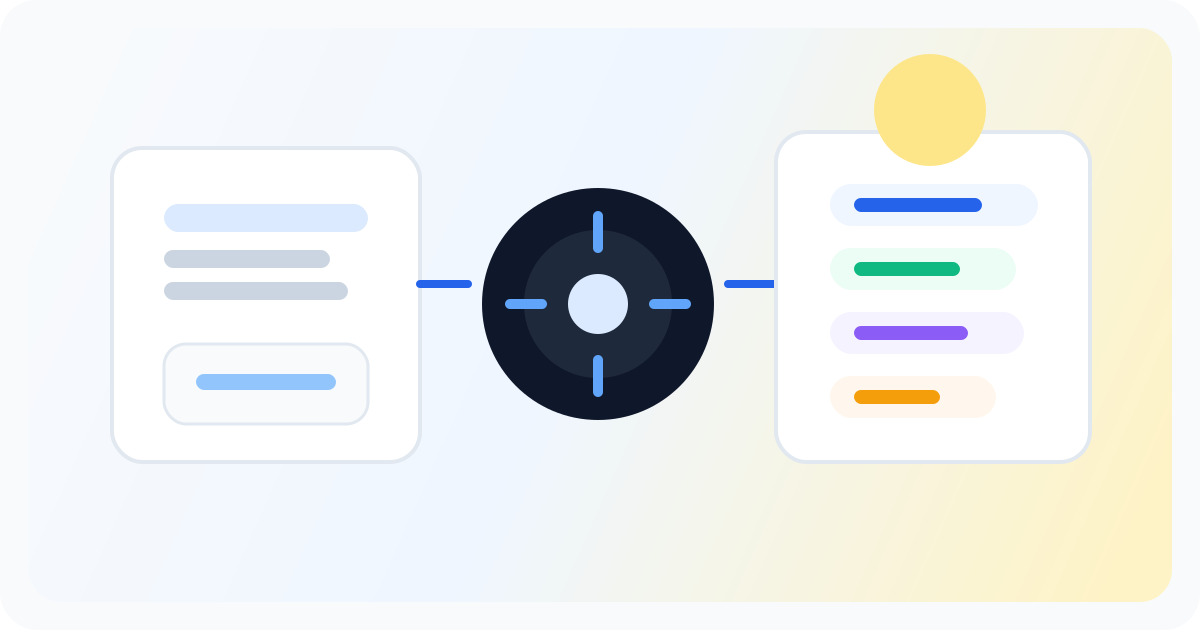
Kit's Newsletter Site is the bridge between a social reader and a subscriber. Its title, description, and social-share image shape the preview people see before they click, while the public feed shows whether the newsletter is worth following. Promotion works better when that page is specific and current.
- Write a clear site description for the reader you want to attract.
- Replace the default social-share image when a more distinctive 16:9 image will help recognition.
- Feature a strong recent issue so first-time visitors can judge the newsletter quickly.
Stop writing social posts from scratch
Letterflow turns one newsletter into a week of platform-ready content so your promotion starts with the writing you already trust.
Start free trialBuild a repeatable post-send routine
The best promotion window starts while the issue is still fresh. Publish the Broadcast to the web, copy the public URL, create several post angles, and schedule them before closing the send-day workflow. The routine is small enough to repeat and specific enough to measure.
- Day 1: publish the strongest idea with the issue URL.
- Day 3: share a practical lesson that stands alone.
- Day 5: revisit the issue through a quote, example, or contrarian angle.
Where Letterflow fits for Kit creators
Letterflow starts with the finished issue and turns it into voice-matched LinkedIn and X drafts. Kit remains the publishing home and subscriber destination; Letterflow handles the post-send drafting, editing, and scheduling work between the issue and the social feed.
- Paste the finished Kit Broadcast into Letterflow.
- Review several platform-specific angles instead of writing one generic announcement.
- Add the public Kit issue URL, then schedule or publish the approved posts.