Strategy

The Newsletter Promotion Workflow That Actually Works for One-Person Teams

A practical look at how newsletter-first creators can turn one issue into a week of social promotion without burning out or starting from scratch every time.

L

Letterflow Editorial Team

April 16, 2026 · 4 min read
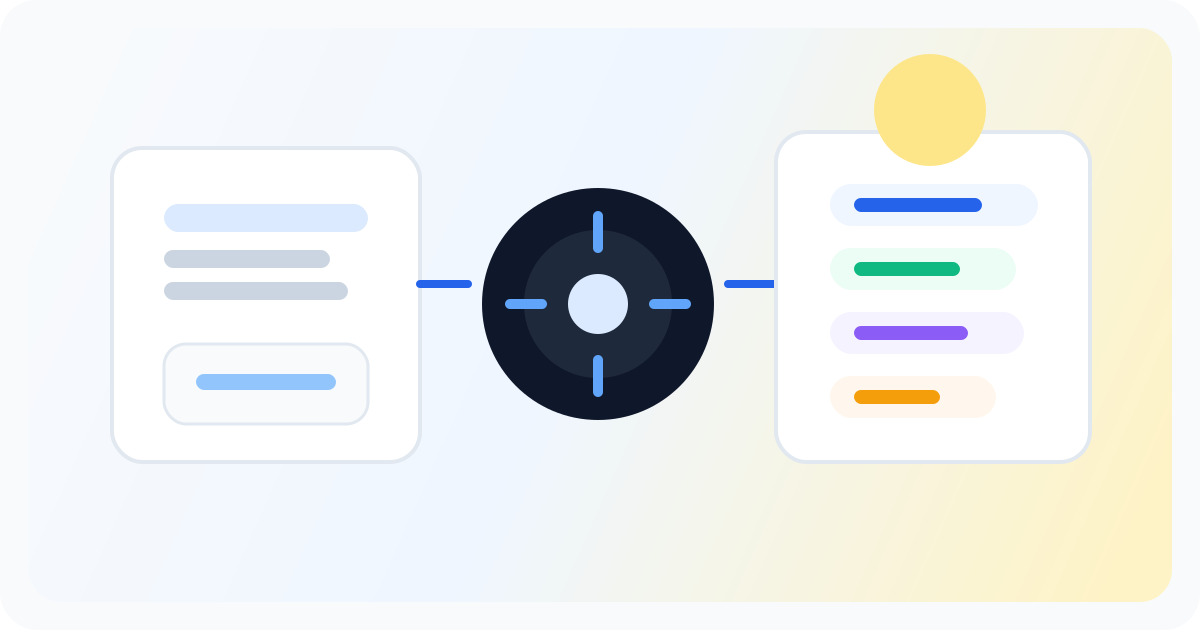
Editorial illustration showing a newsletter distribution strategy workflow across channels.

The short version

If you're publishing a newsletter weekly or more, you already wrote the hard stuff. The promotion part shouldn't require starting from a blank slate. A newsletter promotion workflow that treats your issue as the source material—not a vague reference—keeps your voice consistent and cuts the post-send scramble.

  • Your newsletter is the input. LinkedIn posts, X threads, and snippets come from the same source issue.
  • You set the voice once. The drafts sound like you, not a generic AI assistant.
  • Editing and scheduling happen in one place, so promotion doesn't require a second publishing job.

Most promotion workflows assume you have time to craft individual posts. Newsletter-first creators already did the hard part. The workflow should start there, not pretend it didn't happen.

What a newsletter promotion workflow actually looks like in practice

After you hit send on your newsletter issue, the promotion job starts. You open your workspace, feed in the newsletter text, and the system generates LinkedIn posts, X posts, subject lines for the next issue, and pullable quote snippets—all from the same source material. You don't paste into separate tools or rewrite from memory. The first drafts land in your editing view. You revise what needs revision, regenerate what didn't land right, and queue what works. When you're ready, you publish directly or push to your scheduling queue. LinkedIn and X analytics sync back into the workspace so you see what performed without checking native analytics separately. The whole loop—write, promote, learn—stays in one place. If you're already publishing weekly, this matters because it removes the post-send cliff. You wrote the newsletter. Now you're not starting promotion from zero; you're pulling from what you already made.

Stop writing social posts from scratch

Letterflow turns one newsletter into a week of platform-ready content so your promotion starts with the writing you already trust.

Start free trial

Honest take on where this workflow fits and where it doesn't

  • This is for newsletter-first creators who publish regularly and want promotion that matches their voice without a separate drafting process.
  • Generic social schedulers can queue posts, but they expect you to write the posts first. If you're starting from scratch every time, you're doing double the writing work.
  • Taplio and Hypefury are solid tools, but they lean toward LinkedIn-heavy or X-heavy workflows. They don't assume your newsletter is the source of truth, so the repurposing step still falls on you.
  • If you're publishing sporadically or pulling content from multiple channels, a queue-first tool may serve you better than a newsletter-first workflow.

Bottom line

A newsletter promotion workflow works when it treats your issue as the starting point, not an afterthought. If you're already writing weekly, the promotion step should build on that work, not repeat it. Letterflow is built for this loop—newsletter in, social drafts out, analytics back in. Try it if that fit is real for your publishing cadence.

L

Letterflow Editorial Team

Newsletter growth and workflow research

The Letterflow editorial team researches newsletter workflows, creator operations, and repurposing systems so every guide stays practical.

Frequently asked questions

Common questions

Do I need to publish on a specific schedule for this workflow to make sense?

Weekly or more frequent publishing tends to see the most value. If you're sending monthly or less, the repurposing loop is shorter and you may not need the full workflow.

What's the difference between this and a generic social scheduler?

Generic schedulers queue posts you write elsewhere. This workflow generates first drafts from your newsletter and keeps editing, publishing, and analytics in one place.

Does Letterflow clone my newsletter voice perfectly?

It trains a voice profile from your past posts and newsletters, then applies it to first drafts. You'll still review and revise before publishing.

Can I use this if I also publish on other channels besides a newsletter?

The workflow is strongest when your newsletter is the primary source. If you're pulling from multiple equal channels, a different setup may fit better.