How to Turn One Newsletter Into a Week's Worth of Content
A practical guide to repurposing a single newsletter issue into LinkedIn posts, X threads, subject lines, and quote snippets — without starting from scratch each time.
Letterflow Editorial Team
May 8, 2026 · 4 min read
The short version
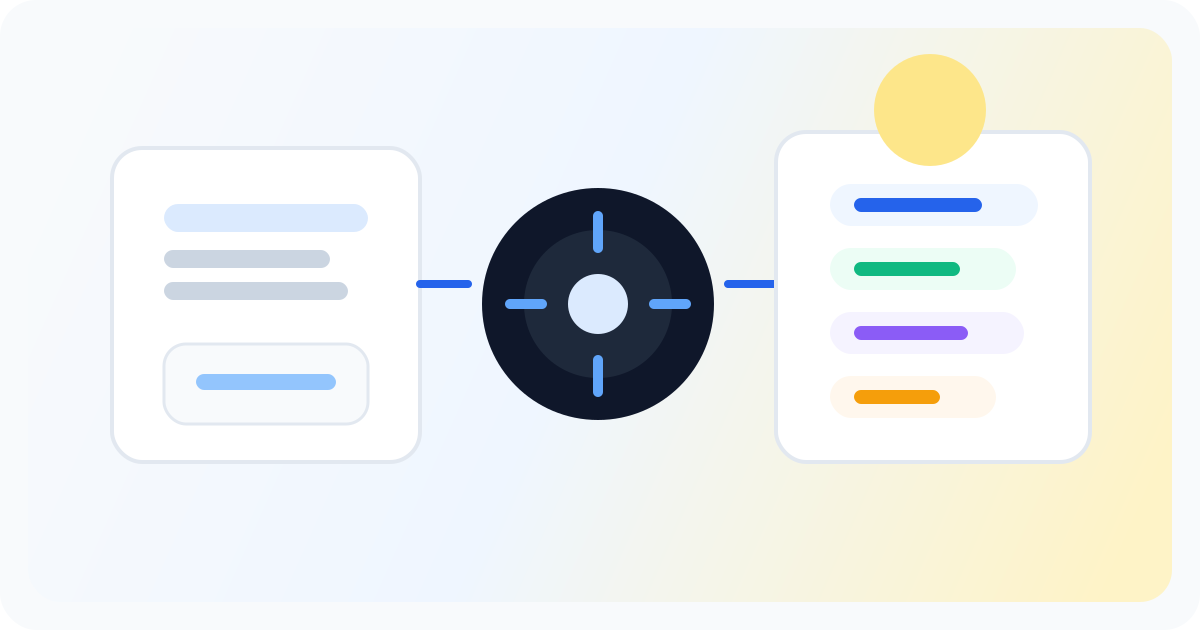
Newsletter creators face a common bottleneck: you spend hours writing a solid issue, then scramble to promote it across platforms with tired, generic copy. The repurposing problem isn't about motivation — it's about workflow. If you write the newsletter first, you should start from that newsletter, not rewrite it from scratch for every social channel. Letterflow is built for that specific motion: paste your issue, generate platform-native drafts, edit, and schedule. Here's how the week actually breaks down.
- The day you hit send, paste the issue into Letterflow and generate your batch of social drafts in one pass.
- Review and edit the drafts — Letterflow gives you regenerations so you're not stuck with the first output.
- Queue the posts to publish across the week, then pull analytics back into your workspace.
You already wrote the thing. The question is how many places it can show up without you manually rewriting it for each platform.
How the repurposing workflow actually works
After you hit send on your newsletter, open Letterflow and paste the issue. The tool reads what you wrote and generates outputs across formats: a few LinkedIn post options, X post drafts, a couple of subject line variations for your next send, and a quote snippet or two for visual posts. You pick what works, edit what doesn't, and move into scheduling. The voice profile is where this gets more useful than a standard AI writer. If you've published before — on LinkedIn, in past newsletters, or in long-form posts — you can train Letterflow on that material. First drafts start sounding like your actual voice instead of generic corporate copy. You still edit, but the gap between draft and publishable is narrower. Once you have your batch of edited posts, you sequence them across the week. LinkedIn and X posts go out in a timed sequence after your newsletter drops, keeping the conversation alive around the issue you just sent. Analytics from both platforms sync back into your workspace so you can see what landed without switching tools.
Stop writing social posts from scratch
Letterflow turns one newsletter into a week of platform-ready content so your promotion starts with the writing you already trust.
Start free trialWhere this fits — and where it doesn't
- This workflow is real for newsletter writers who publish weekly or more and want to promote each issue without starting from a blank social post.
- If you're a multi-source creator pulling content from podcasts, video, and multiple newsletters, a broader tool like Taplio might give you more flexibility across input types, though it shifts away from the newsletter-first motion.
- Hypefury is strong if your primary promotion channel is X — scheduling and automation are solid there. But it doesn't start from the newsletter source the way Letterflow does, so you're still rewriting for each platform.
- Generic social schedulers queue posts well, but they start after you've already written the social copy. If you want that copy to come from your newsletter without a rewrite, you need a tool that reads your issue and generates from it.
Bottom line
The core loop is simple: write once, promote smart. Paste your newsletter, generate platform-ready drafts that sound like you, edit, and schedule. You don't need a team or a content calendar full of original social posts — you need a workflow that treats the newsletter as the source, not an afterthought. Letterflow fits this specific motion. If you're already writing the newsletter, this is the most direct path from one issue to a week's worth of promotion.