From One Newsletter Issue to a Week of Social Content
If your newsletter is the real source of your thinking, don’t treat social as a separate writing job. A single issue can become LinkedIn posts, X posts, quote snippets, and subject lines when the workflow starts from the finished newsletter instead of a blank prompt.
Letterflow Editorial Team
July 6, 2026 · 5 min read
The short version
If you write a newsletter first, the cleanest promotion workflow is simple: finish the issue, then turn that same issue into a week of social content. That is the real job to solve. Not “make more content,” but “use the content you already wrote across the channels that can still bring readers back.” Letterflow fits that job when your starting point is a real newsletter issue and your goal is social promotion around it. It is not a general AI writer and it is not a replacement for a full social media team. It is a repurposing workflow for creators who already have the source material. That matters because newsletter-first promotion has a different rhythm than queue-first scheduling. The issue already contains the strongest ideas, the quotes, the open loops, and the proof points. Letterflow uses that source, generates LinkedIn and X drafts, lets you edit and regenerate them, and then helps you publish and schedule them. If you are the kind of creator who writes one solid issue and then needs it to do more work, this is the kind of tool that can save real time without forcing you to start over.
- Start with the newsletter you already wrote, not a generic prompt.
- Turn one issue into LinkedIn posts, X posts, subject lines, and quote snippets.
- Use Letterflow when newsletter promotion is the job; use a broader scheduler when queue management is the main need.
The fastest way to promote a newsletter is not to write more. It is to repurpose the issue you already finished and send that work into the channels that can still create reach.
How the workflow actually works
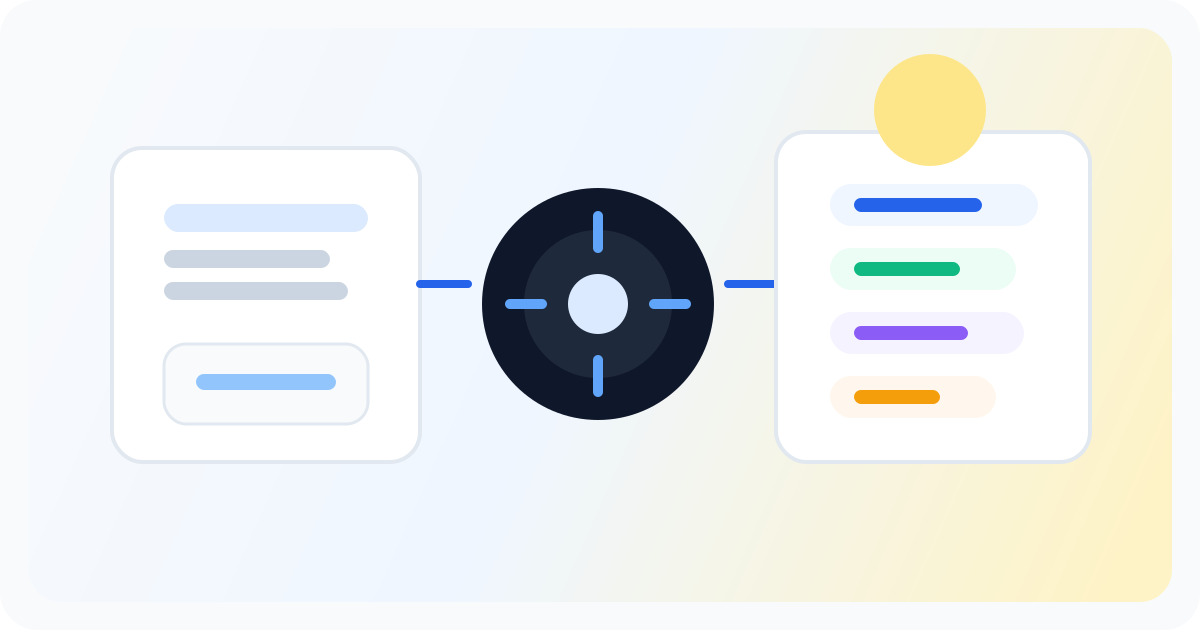
The practical version is straightforward. You publish or draft one newsletter issue, then use that issue as the source for social repurposing. Letterflow can generate LinkedIn posts, X posts, subject lines, and quote snippets from that single piece of writing. The point is not to create a brand-new content engine. The point is to extract the most usable parts of work you already completed and reshape them for distribution. That matters because the newsletter already contains the raw material social content usually lacks. A good issue has one central argument, a few supporting insights, a clean takeaway, and maybe one memorable line worth reusing. Instead of asking you to invent a new angle from scratch, the workflow starts where the thinking already happened. You can train a voice profile from past posts and newsletters, use that profile to guide the first drafts, then edit and regenerate until the posts sound like you. That is a very different job from asking a generic AI writer to “make me ten posts about X.” For newsletter writers, this can compress a lot of friction. A weekly issue can become a week of promotion without forcing a second full writing session. You still need judgment. You still need to pick which points deserve LinkedIn attention and which ones belong on X. But the hard part is no longer the blank page. It is deciding which parts of the issue should do the work of pulling readers back to the newsletter.
Stop writing social posts from scratch
Letterflow turns one newsletter into a week of platform-ready content so your promotion starts with the writing you already trust.
Start free trialThe tradeoffs are real, and that is the point
- Letterflow is strongest when you already write a newsletter consistently. If you do not have a real issue to repurpose, the workflow has less value. A blank slate creator still needs a broader content system.
- It is not a generic AI writing tool. That is a feature, not a limitation, if your goal is newsletter-led promotion. It is a limitation if you want one tool to draft every kind of marketing asset from scratch.
- The best fit is repurposing, not invention. The tool can generate, edit, regenerate, publish, and schedule, but the quality still depends on the underlying newsletter. Weak source material gives you weak social drafts.
- If your main need is pure queue management, a general social scheduler may be enough. Those tools are broader, but they usually start after you have already written the social post. Letterflow is better when the newsletter is the source and distribution comes after.
Bottom line
Use Letterflow when your newsletter is the thing you already invest in, and social is the distribution layer that needs to catch up. In that setup, the product fits cleanly. It turns one issue into a practical promotion week without pretending the work disappears. You still review. You still edit. You still decide what deserves to go live. If your process starts in LinkedIn or X, or if your team mostly lives in a queue calendar, a broader scheduling tool may be the better fit. But if you are an independent newsletter writer, a founder-operator, or a tiny team trying to get more mileage out of every issue, newsletter-first repurposing is the right problem to solve. That is where Letterflow makes sense.