Solo Creators: Weekly Newsletter Promotion Without The Extra Work
How solo creators and tiny teams can turn one newsletter issue into a week's worth of social promotion—without building a second content workflow from scratch.
Letterflow Editorial Team
June 26, 2026 · 4 min read
The short version
If you're publishing a weekly newsletter and spending extra hours cobbling together social posts afterward, you're running two workflows when you only need one. Letterflow starts from the newsletter you've already written—not a blank prompt—and generates repurposed content for LinkedIn and X from that same issue. You review, edit, and schedule without switching tools or rebuilding context. The result is a promotion workflow that keeps up with your send cadence instead of lagging behind it.
- Start from the real newsletter issue, not a generic prompt or summary
- Generate LinkedIn posts, X posts, subject lines, and quote snippets from one source
- Edit, publish, and schedule from the same workspace—no tool-switching
The real win isn't saving time on promotion. It's staying in your writing flow instead of constantly context-switching between drafts and social posts.
How the promotion workflow works in practice
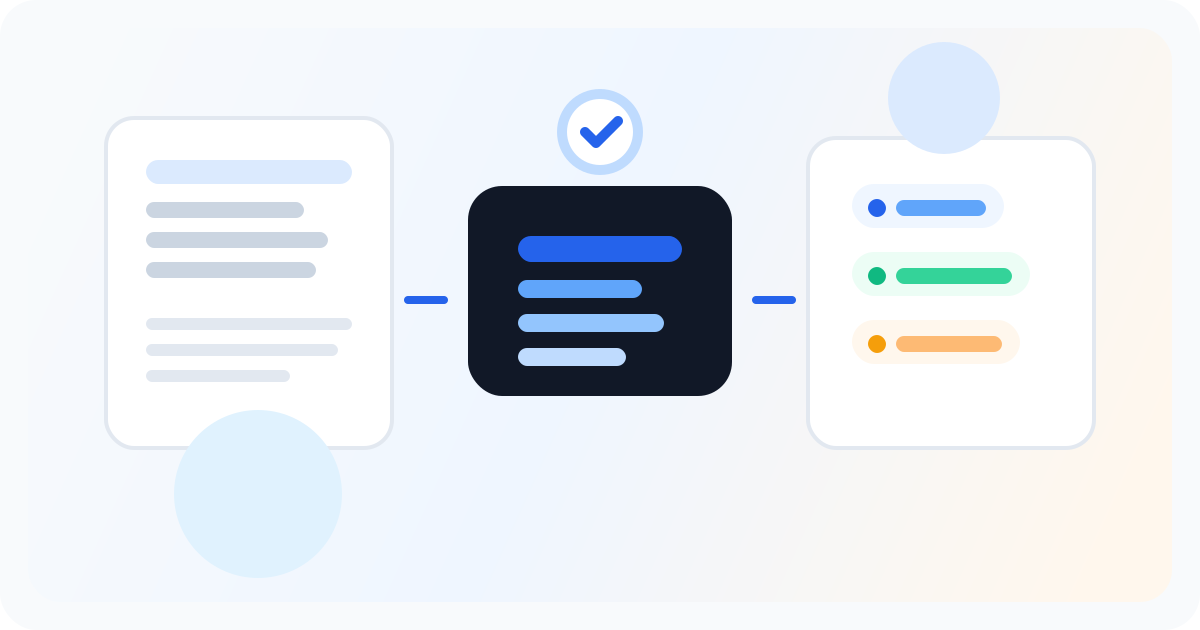
After you send a newsletter issue, you open the same draft in Letterflow and generate your social outputs. The system pulls from what you actually wrote—your tone, your examples, your framing—so the first drafts land closer to your voice than a generic AI post would. You can refine the voice profile over time by confirming which edits you keep most often, so the generated output gets smarter as you use it. Once you have your LinkedIn post and X post drafted, you review and edit in place. If a post doesn't land right, you regenerate or rewrite directly in the editor. When you're satisfied, you publish or schedule from the same window. LinkedIn and X analytics sync back into the workspace so you can see what performed without exporting to another dashboard. The whole sequence—write, repurpose, edit, publish, review—is one continuous workflow rather than a chain of separate tools and exports.
Stop writing social posts from scratch
Letterflow turns one newsletter into a week of platform-ready content so your promotion starts with the writing you already trust.
Start free trialHonest tradeoffs and where it fits less well
- Letterflow is built around the newsletter as the source document. If you're not primarily a newsletter writer—if your content lives on a blog, podcast, or YouTube channel first—this workflow doesn't start from your actual workflow.
- The repurposing generates strong first drafts, but you still need to review and edit. If you're looking for one-click cloning or zero-edit social posts, you'll be disappointed. The value is in cutting the blank-page friction and matching your voice—not eliminating your judgment entirely.
- For X-heavy automation or LinkedIn-only workflow tools like Hypefury or Taplio, those tools may be deeper on specific channels. But they don't start from the newsletter you've already written, which is where the time savings actually come from for newsletter-first creators.
Bottom line
If you're publishing weekly and spending more time on promotion than you want to, the problem isn't that you need more discipline—it's that you're maintaining two separate content workflows when one could feed the other. Letterflow keeps the newsletter as the source and builds social promotion out from there. That said, the editing step isn't optional. The tool removes the blank-page grind, but your voice and judgment still show up in the final post. If that trade-off works for your setup, the workflow holds.