How Newsletter Creators Use Subject Lines For Social Promotion
Subject lines aren't just for the inbox. Here's how newsletter creators turn one subject line into a week of social hooks, threads, and post openers.
Letterflow Editorial Team
April 26, 2026 · 4 min read
The short version
Newsletter creators often write subject lines and leave them sitting in the inbox. But your best subject lines are pre-built social hooks waiting to be used. The trick is treating subject lines as a repurposing asset, not just an email deliverability tool. Turn your subject into a LinkedIn post hook, an X thread opener, or a quote card—and you get a week's worth of social promotion from a single line you already wrote.
- Your newsletter subject line is a compressed hook that's already tested for attention
- Generate LinkedIn and X posts from subject lines using Letterflow's repurposing workflow
- Turn one subject into multiple social formats: posts, threads, quote snippets
Your newsletter subject line is already a social hook. Most creators just don't use it that way.
How The Repurposing Workflow Works
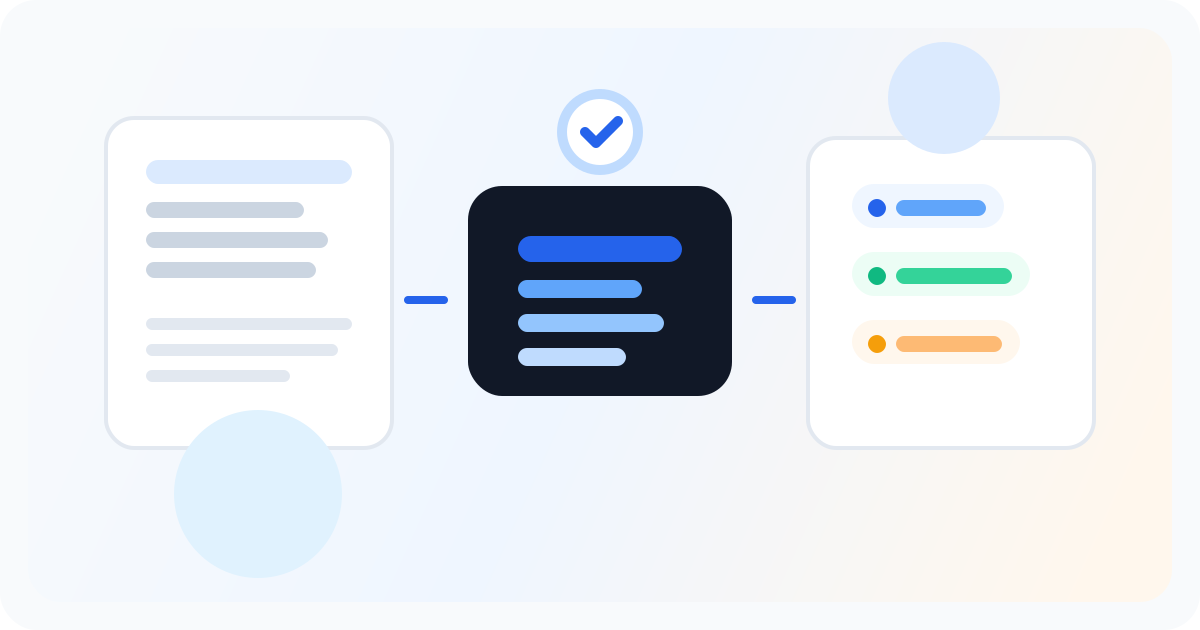
It starts after you hit send. Letterflow pulls your subject line and newsletter body to generate social post drafts matched to each platform's format. LinkedIn posts want a hook-first structure. X works better as a tight thread opener or a standalone with a CTA. You get both versions, edited from the same source material. The voice profile you train in Letterflow keeps generated hooks consistent with how you actually write. That means the LinkedIn post sounds like you—not like an AI assistant trying to sound professional. You can regenerate, edit, and publish directly, or pull the drafts into your own review queue.
Stop writing social posts from scratch
Letterflow turns one newsletter into a week of platform-ready content so your promotion starts with the writing you already trust.
Start free trialWhat Works And What Doesn't
- Subject lines with specificity beat vague curiosity. 'How We Lost $40k on a Launch' generates better hooks than 'A Quick Note'
- Not every subject line translates to X. Short, punchy, or counterintuitive ones work best for thread openers
- LinkedIn handles longer hooks better than X, so use the subject as a starter and expand on the newsletter angle
- Queue-first schedulers can't repurpose—they organize what you already wrote, not what you will write from your newsletter
Bottom line
If you're already writing strong newsletter subject lines, you're sitting on a repurposing goldmine. The workflow is straightforward: send the newsletter, generate the hooks, edit for tone, publish across platforms. No blank page required.