How-to

Substack Newsletter Promotion: From Your Latest Issue to Scheduled Social Posts

How to turn one Substack issue into a week of LinkedIn and X promotion using a newsletter-first repurposing workflow.

L

Letterflow Editorial Team

May 1, 2026 · 4 min read
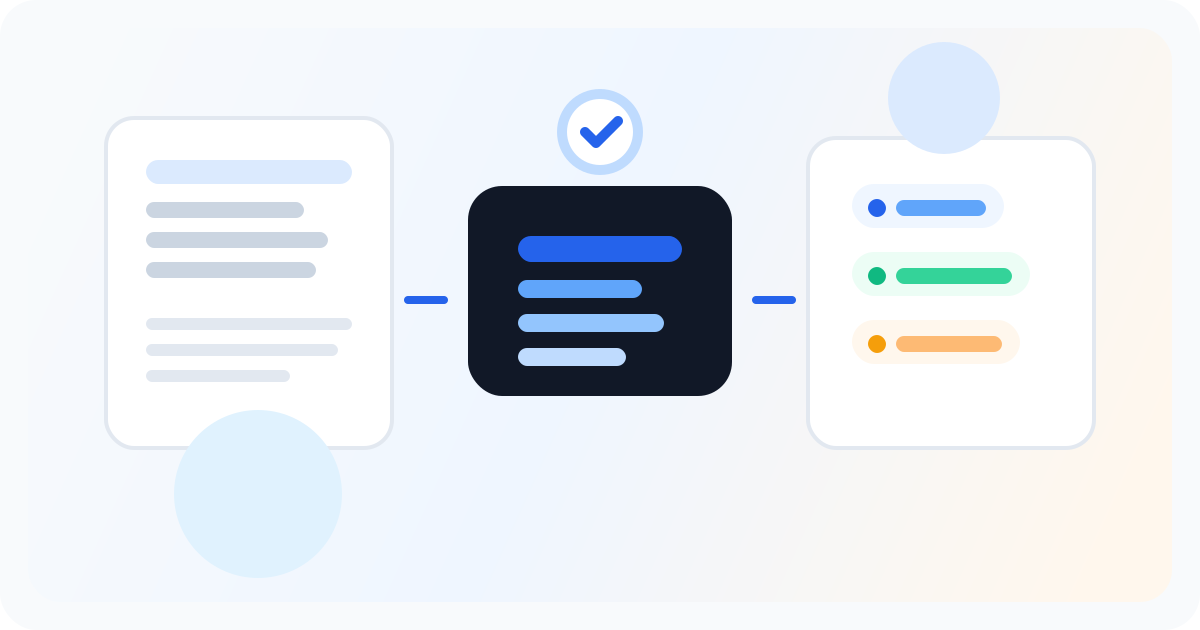
Editorial illustration showing a newsletter being turned into a practical repurposing workflow.

The short version

If you publish on Substack and spend time copying/pasting into social tools afterward, you have a workflow gap. The gap is that your social content starts from scratch when it should start from your newsletter. Letterflow is a repurposing tool that pulls from what you already wrote—your latest issue—to generate first-draft LinkedIn posts, X posts, subject lines, and pull quotes. You edit, publish, and schedule from the same workspace, and performance data comes back in. This is not a generic AI writer and not a full social media manager. It is a narrow tool built for one job: take the newsletter you sent, turn it into promotion you can publish across platforms, and do it faster than copying paragraphs manually.

  • Newsletter-first: start from your real issue, not a blank prompt
  • Generate first-draft LinkedIn posts, X posts, and pull quotes in one pass
  • Edit, publish, and track from a single workspace without switching tools

The real asset is your newsletter. The promotion workflow should start there, not in a blank composer.

How the Substack-to-social workflow actually works

After you send a Substack issue, you drop the content into Letterflow. The tool pulls from what you wrote—not a vague topic description—to generate a batch of promotion material. LinkedIn posts, X threads or single posts, email subject line alternatives, and pull quotes all come back as editable first drafts. You can regenerate any of these. You can adjust tone, length, or framing before anything goes out. The goal is to get you to a publish-ready draft faster, not to replace your judgment about what represents your work accurately. If your voice profile is trained on past newsletters and posts, the generated drafts land closer to how you actually write. That matters if you've built an audience around a specific tone or perspective. First drafts that sound like you require less editing before you publish. If you have not trained a voice profile yet, drafts will be more generic and will need more hands-on revision.

Stop writing social posts from scratch

Letterflow turns one newsletter into a week of platform-ready content so your promotion starts with the writing you already trust.

Start free trial

What this does not do

  • It does not automate everything. You still review, edit, and approve every post before it goes live. There is no one-click publish to your entire audience without your review.
  • It is not a generic social media manager. You are not building a content calendar from scratch here. You are extending one newsletter into the promotion it needs across platforms.
  • It does not replace platform-native tools if your primary workflow is already queue-first. Hypefury is stronger for X automation. Taplio has a more developed LinkedIn workflow if you are pulling from multiple sources. Letterflow is the better fit when the newsletter is the source, not an afterthought.

Bottom line

If you write on Substack and promote manually across LinkedIn and X after every send, the gap is real. You are doing redundant work when the newsletter content is already there. Letterflow fills that specific gap by making the issue the starting point, not a reference document you have to rephrase from scratch. Try it if you publish weekly or more and want promotion drafts that sound like you in less time. If your workflow is already fast enough, or if you are pulling social content from sources other than a newsletter, a broader scheduling or LinkedIn tool may serve you better.

L

Letterflow Editorial Team

Newsletter growth and workflow research

The Letterflow editorial team researches newsletter workflows, creator operations, and repurposing systems so every guide stays practical.

Frequently asked questions

Common questions

Is this only for Substack writers?

Letterflow works with any newsletter platform. The workflow described here uses Substack as the example because Substack writers are a common fit for newsletter-first promotion, but the tool does not require Substack specifically.

How is this different from a social scheduler like Buffer or Later?

Social schedulers are queue-first: you write the post, then schedule it. Letterflow is newsletter-first: you start from the issue you sent and generate promotion drafts from that content. If you are already writing social posts from scratch, a scheduler handles the queue. If you want the drafts to come from your newsletter, Letterflow handles the generation.

Do I need to edit the generated posts?

Yes. Generated drafts are first drafts, not finished posts. You review, revise, and approve everything before publishing. The edits required depend on how closely the drafts match your voice, which improves if you train a voice profile from your past work.

What about analytics?

LinkedIn and X analytics sync back into the Letterflow workspace so you can see performance in one place after publishing. You still log into each platform for deeper analysis, but the summary view is in the tool.