Substack Writers: Promoting Your Newsletter To LinkedIn Without A Social Team
How solo Substack creators can promote their newsletter to LinkedIn without a social team, using a newsletter-first repurposing workflow.
Letterflow Editorial Team
July 3, 2026 · 4 min read
The short version
If you're publishing on Substack without a social team, you already have the hard part handled: you wrote the newsletter. The gap is promotion. After you hit send, most creators either skip it entirely or spend an hour drafting something that ends up feeling generic and disconnected from what they actually wrote. Letterflow is built to close that gap. You start from the real newsletter, generate voice-matched LinkedIn and X content, edit and publish, and track what lands—all without a blank compose box staring you down every time you hit send.
- You write the issue. Letterflow generates the promotion drafts from it.
- First drafts are trained on your voice, not generic AI output.
- Publish and track from one workflow—no separate social tool required.
Most solo creators write the issue, send it, and then stare at a blank compose box wondering what to post. That's not a content problem. That's a workflow problem.
Promoting to LinkedIn After You Hit Send
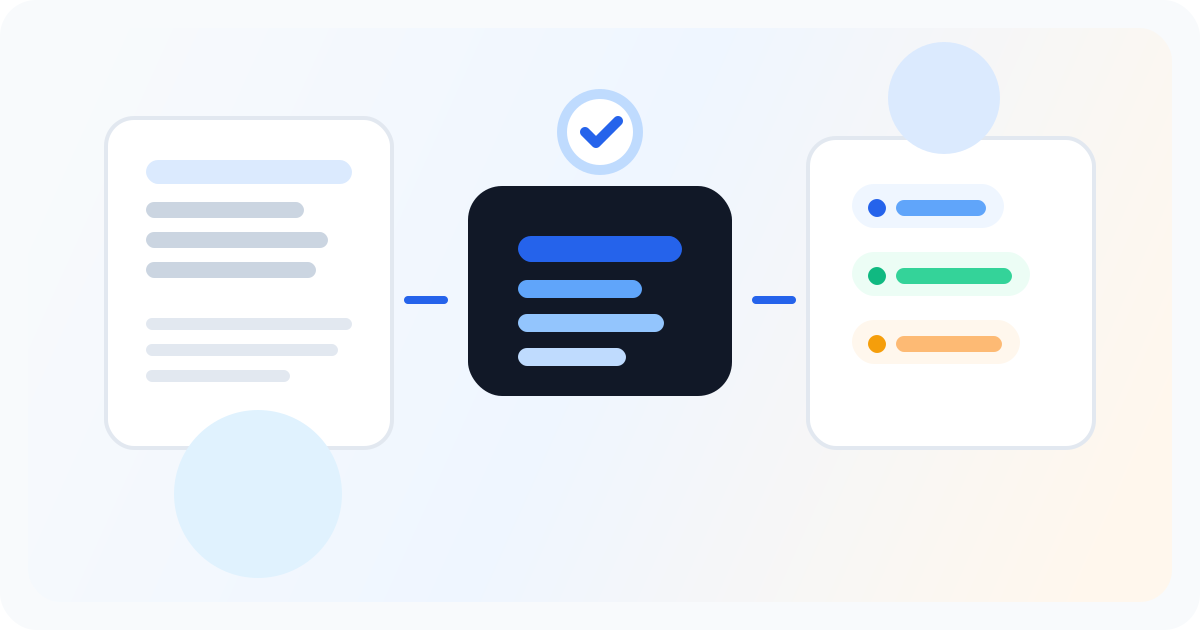
The promotion workflow starts where your writing ends. After you send the issue, you drop the published newsletter into Letterflow. The system pulls from the actual content—not a summary, not a prompt you wrote for a social tool, but the real draft. From there, it generates a set of LinkedIn posts, X posts, subject line variations, and pull quotes you can edit, regenerate, or use as-is. If you've already been publishing, you can train a voice profile on your past newsletters and posts. This shapes the generation so the drafts sound like you rather than like a content template. The profile gets better the more you use it, and it carries across every issue you send. From the generated drafts, you edit what needs editing, schedule the posts across your week, and publish directly to LinkedIn and X. When performance data comes back, it syncs back into the workspace so you can see what's working without logging into separate analytics dashboards.
Stop writing social posts from scratch
Letterflow turns one newsletter into a week of platform-ready content so your promotion starts with the writing you already trust.
Start free trialWhat You Give Up By Using Letterflow for This
- Multi-platform breadth. Letterflow currently covers LinkedIn and X. If you need deep publishing workflows for Instagram, TikTok, or other platforms, you'll need a separate tool or a broader platform.
- Cross-source aggregation. This is a newsletter-first tool. If you're pulling from multiple content sources and want a hub that centralizes everything, a broader social management platform may fit better.
- Pure scheduling at the lowest price. If your main need is queuing posts you've already written and you don't need generation, a dedicated scheduler likely has a cheaper entry tier.
Bottom line
If your newsletter is the core of what you publish and you want professional-level promotion without a social team, Letterflow handles the workflow between sending the issue and showing up on LinkedIn and X. The key is that you start from what you already wrote, generate voice-matched drafts, and stay in one place to edit, publish, and track. That's a real workflow for solo creators—not a promise that the posts write themselves, but a system that removes the blank page and gets you to a first draft you can actually publish.