Substack Newsletter Promotion: From Issue to LinkedIn and X in Minutes
If you publish on Substack, the work does not end when the issue goes out. You still need to turn that issue into promotion people actually see. Letterflow starts from the finished newsletter, generates LinkedIn and X drafts from the real text, lets you edit and regenerate, then publish or schedule without rebuilding the same ideas from scratch.
Letterflow Editorial Team
August 7, 2026 · 4 min read
The short version
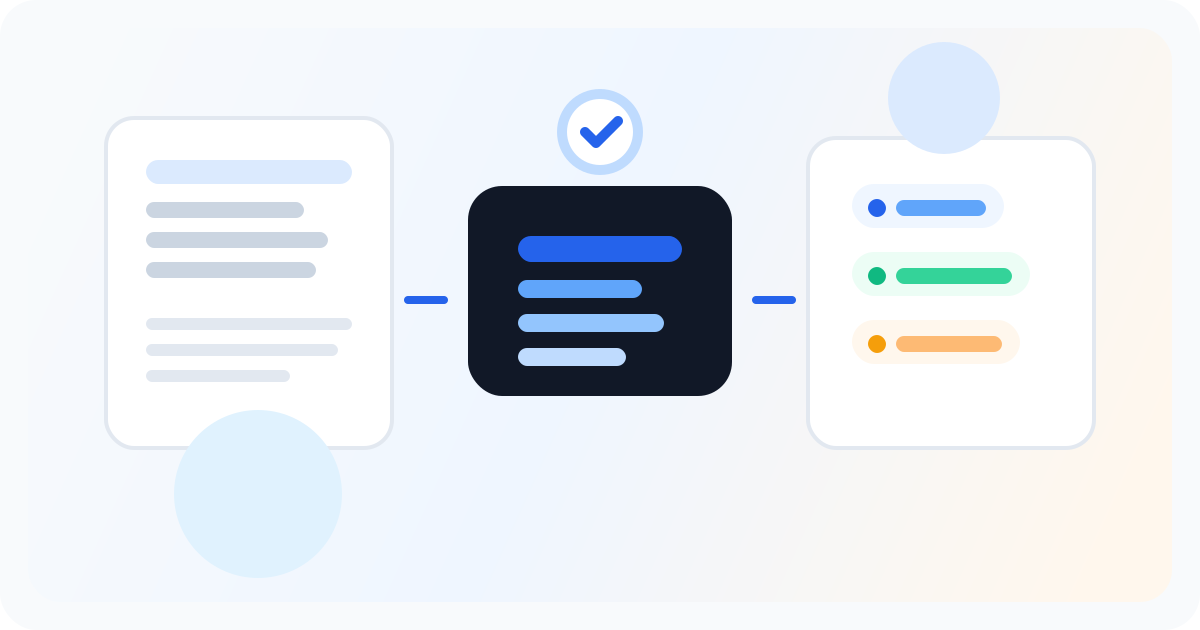
If you already wrote the Substack issue, you already did the hard part. The practical next step is to turn that issue into promotion that fits LinkedIn and X without rewriting the same thinking twice. That is the specific job Letterflow is built for: start from the published or draft newsletter, pull out usable angles, generate first-pass posts, edit them so they sound like you, and get them scheduled. It is useful when your newsletter is the real content engine and social is distribution. It is not the right choice if you want a broad social tool for every source type or if your workflow begins with queueing random posts and hoping they support the newsletter later.
- Start from the actual Substack issue, not a blank social prompt.
- Generate LinkedIn posts, X posts, subject lines, and quote snippets from one source.
- Edit, regenerate, publish, and schedule in one workflow built for newsletter-first promotion.
The best social promotion starts with the issue you already wrote, not a blank prompt you have to fill again.
What the workflow actually looks like
The main mistake most creators make is treating social promotion like a separate writing project. They finish the Substack issue, close the tab, and then open another tool to invent new content for LinkedIn or X. That is where the friction starts. You are now deciding on fresh angles, rewriting the same ideas, and trying to match a voice you already used in the newsletter. The result is usually late promotion, weak promotion, or no promotion at all. Letterflow is useful because it removes that context switch. You start from the newsletter issue itself, which means the source material already contains the thesis, examples, and point of view. From there, Letterflow can generate LinkedIn drafts, X drafts, subject lines, and quote snippets from the same issue. You can then edit the drafts, regenerate the parts that miss, and publish or schedule the final versions. That is a real workflow improvement for people who write once and promote across channels. This matters most for solo Substack creators, founder-operators, and tiny teams that do not have a second person turning every issue into social posts. If you send weekly or more often, the difference between ‘we should promote this’ and ‘the posts are ready’ is usually the whole game. Letterflow helps close that gap without pretending the newsletter can be reduced to a generic prompt.
Stop writing social posts from scratch
Letterflow turns one newsletter into a week of platform-ready content so your promotion starts with the writing you already trust.
Start free trialTradeoffs to evaluate before you use it
- If your social strategy starts on LinkedIn and the newsletter is secondary, a LinkedIn-first tool may fit better. Letterflow is strongest when the newsletter is the source, not when social is the primary product.
- If you only need a scheduling calendar and already write all your social posts manually, a broad social scheduler may be enough. Letterflow is more specific: it is for repurposing the newsletter into social drafts, not for managing every kind of post workflow.
- If you expect perfect one-click cloning, you will be disappointed. The workflow is faster, not magic. The drafts still need a human pass, especially if the original issue has nuance, jokes, or domain-specific context.
- If you publish irregularly and rarely repurpose, the value is lower. Letterflow makes the most sense when you have recurring newsletter content that deserves recurring promotion across LinkedIn and X.
Bottom line
The honest use case is simple: you already wrote the newsletter, and now you want that writing to do more work. For Substack creators who use LinkedIn and X as distribution channels, Letterflow is a practical way to turn one issue into a set of promotion drafts without starting over. Use it when the newsletter is the center of your content system. Skip it if you are looking for a universal AI writer or if your social workflow already runs smoothly from a queue-first scheduler. The fit is real when the issue comes first and social follows.