How-to

How to Schedule LinkedIn Posts From a Newsletter Issue

A practical workflow for turning one finished newsletter issue into LinkedIn posts, reviewing the drafts, and scheduling them without rebuilding every post from scratch.

L

Letterflow Editorial Team

May 25, 2026 · 4 min read
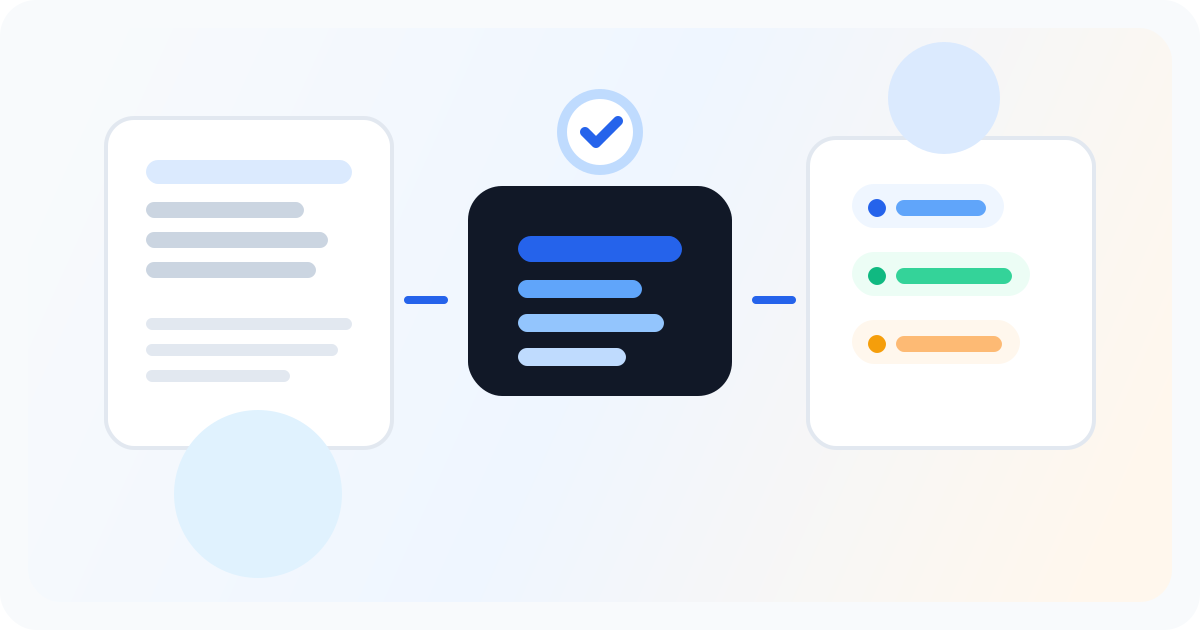
Editorial illustration showing a newsletter being turned into a practical repurposing workflow.

The short version

If you already write a newsletter, the fastest way to schedule LinkedIn posts is to start from that finished issue. Pull out the strongest claim, lesson, story, and quote, turn each one into a separate LinkedIn draft, then review and schedule the winners across the week. Letterflow is built for that newsletter-to-LinkedIn workflow: the issue supplies the substance, your voice profile keeps the drafts recognisable, and scheduling keeps the promotion from happening all at once.

  • Start with the full newsletter issue, not a headline or summary.
  • Create several LinkedIn post angles from the same source.
  • Review every draft before scheduling so the posts still sound like you.

The fastest LinkedIn schedule starts with the newsletter you already wrote, not a blank social calendar.

The practical workflow: newsletter issue to LinkedIn queue

Start with the newsletter issue you have already written. Paste the full issue into Letterflow so the argument, examples, and original phrasing are available before anything is generated. If you have previous LinkedIn posts, train a voice profile first so the drafts match your usual structure and tone. Then generate several LinkedIn options from the issue: a launch-day insight, a practical lesson, a quote-led post, and a story-led follow-up. Read each draft, tighten the opening, cut anything that feels too summary-like, and regenerate when the idea is right but the framing is off. Once the strongest posts are ready, schedule them across the week instead of publishing every angle on the same day. After posts go live, Letterflow can sync basic performance back into the workspace, which helps you see which newsletter ideas actually travelled on LinkedIn.

Stop writing social posts from scratch

Letterflow turns one newsletter into a week of platform-ready content so your promotion starts with the writing you already trust.

Start free trial

What to schedule from one newsletter issue

A good issue usually has more than one LinkedIn-worthy entry point. The mistake is trying to compress the whole newsletter into one announcement. Instead, schedule posts with different jobs: one post that sells the central idea, one that teaches a useful step, one that shares a mistake or contrast, and one that points readers back to the full issue after giving them value first.

  • Day 1: lead with the strongest claim from the issue.
  • Day 2 or 3: publish a practical takeaway or mistake to avoid.
  • Day 4 or 5: use a quote, example, or story that stands alone in the feed.
  • Final follow-up: link to the full newsletter when the post has already earned attention.

When to use this workflow, and when a different tool fits better

Use this workflow when the newsletter is the source of truth and LinkedIn is the distribution channel. It is a strong fit for solo writers, consultants, and creator-led companies that publish thoughtful long-form issues but do not want to rebuild every LinkedIn post manually. A queue-first scheduler can still make sense if all your posts are already written, and manual writing can still be better when your LinkedIn audience needs a completely different angle from your subscribers.

  • Use Letterflow if each newsletter issue should become several LinkedIn posts.
  • Use Letterflow if you want drafts in your voice before scheduling.
  • Use a general scheduler if you only need a calendar for posts already written.
  • Write manually when the newsletter and LinkedIn audiences need totally different content.

Bottom line

Scheduling LinkedIn posts from a newsletter issue works best when you treat the issue as source material, not as a link to announce once. Create several useful posts, edit them like a writer, and spread them across the week. Letterflow keeps those steps in one place so newsletter writers can move from finished issue to reviewed LinkedIn queue without starting over in a blank composer.

L

Letterflow Editorial Team

Newsletter growth and workflow research

The Letterflow editorial team researches newsletter workflows, creator operations, and repurposing systems so every guide stays practical.

Frequently asked questions

Common questions

Can I schedule LinkedIn posts directly from a newsletter issue?

Yes. In Letterflow, you can use a finished newsletter issue as the source, generate LinkedIn drafts from it, review the posts, and schedule the strongest ones from the same workflow.

How many LinkedIn posts should one newsletter issue become?

Usually more than one. A strong issue can support a main insight, a practical lesson, a quote-led post, and a follow-up that points readers to the full newsletter.

Does Letterflow automatically post to LinkedIn without review?

No. Every post is generated as a draft you review and edit before it goes live. You control what actually publishes or gets scheduled.

How is this different from using a social scheduling tool?

Generic schedulers let you queue posts, but you still write them. Letterflow starts earlier by generating LinkedIn drafts from the newsletter issue before you choose what to schedule.