Beehiiv Newsletter Promotion: A Repurposing Workflow for Social Distribution
How Beehiiv newsletter creators turn one issue into a week of LinkedIn and X promotion without starting from scratch each time.
Letterflow Editorial Team
June 12, 2026 · 4 min read
The short version
If you're publishing on Beehiiv and manually copying snippets into LinkedIn and X after each send, you're doing double work. A repurposing workflow takes your published issue and generates promotion drafts in your established voice. You edit, approve, and schedule instead of writing from scratch every time.
- Turn one Beehiiv issue into multiple LinkedIn and X post drafts in minutes
- Maintain your creator voice across platforms with a trained profile
- Edit, publish, and schedule from one workspace without switching tools
Most Beehiiv writers spend hours manually crafting social posts after hitting send. The real win is starting from your actual newsletter instead of a blank compose window.
How the repurposing workflow actually works
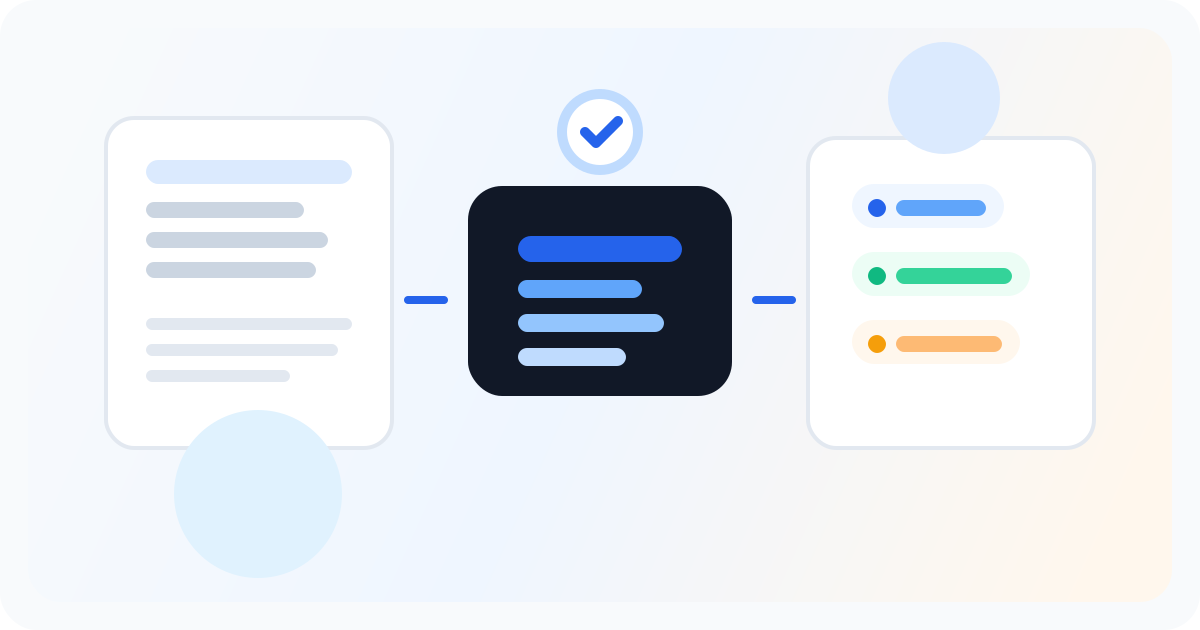
The workflow starts after you hit send on your Beehiiv issue. You pull the newsletter content into Letterflow and generate first-draft promotion materials: LinkedIn posts that expand on key points, X threads that hook on a single idea, subject line variations for resends, and pull-quote snippets for visual posts. Each output is trained on your voice profile, so the drafts sound like you wrote them rather than generic AI output. You move through each draft quickly. Regenerate anything that misses the mark, edit the rest, and push directly to LinkedIn or X from the same workspace. Analytics sync back so you can see what resonated without checking each platform manually. For Beehiiv creators publishing weekly or more, this removes the friction between writing and promotion that usually causes creators to either skip social distribution or spend too much time on it.
Stop writing social posts from scratch
Letterflow turns one newsletter into a week of platform-ready content so your promotion starts with the writing you already trust.
Start free trialHonest fit: when this works and when it doesn't
- Works best for Beehiiv creators publishing weekly or more who already have a voice and posting cadence
- Best when you want to maintain platform presence without drafting social content from scratch after every send
- Weaker fit if you're already deep in Taplio or Hypefury with established workflows that don't start from newsletter content
- Generic schedulers can queue posts, but they don't generate from your newsletter or match your voice automatically
Bottom line
If you're running a Beehiiv newsletter and your promotion strategy is either nonexistent or a manual copy-paste job, a repurposing workflow changes the math. You're not adding more writing work. You're converting the writing you already did into platform-ready drafts. The edit pass is still yours, but the blank-page problem disappears.