Strategy

Newsletter Repurposing Without Burning Out: A Practical Guide

Turn one newsletter into a week's worth of social content without the burnout. Learn how to repurpose existing newsletter content for LinkedIn and X without starting from scratch every time.

L

Letterflow Editorial Team

June 24, 2026 · 4 min read
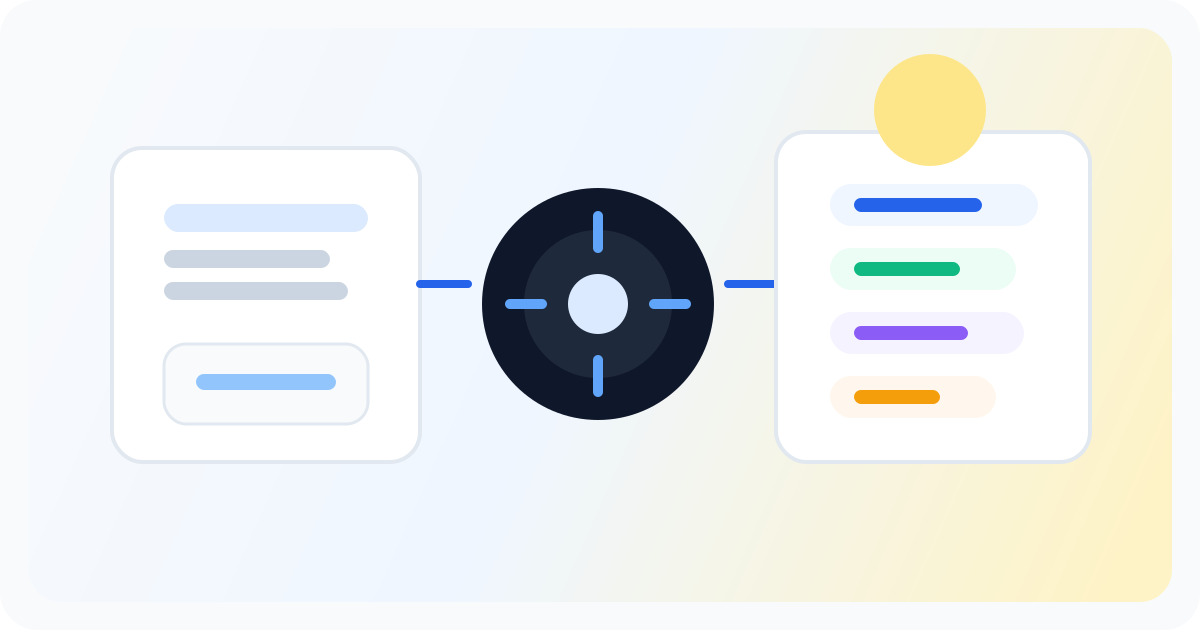
Editorial illustration showing a newsletter distribution strategy workflow across channels.

The short version

Newsletter repurposing means turning content you already wrote into social posts instead of creating from scratch every platform needs. This isn't about cloning your newsletter into every channel. It's about identifying what already works in your issue and strategically pulling the pieces that deserve a second life on LinkedIn, X, or wherever your readers actually spend time. The goal is simple: get more mileage from your newsletter without doubling your workload.

  • Pull quotes, key points, and compelling arguments from your existing newsletter issue
  • Use voice-matched drafts to keep repurposed content sounding like you, not generic AI output
  • Edit and schedule directly from your workspace instead of juggling multiple tools

You already wrote the hard part. The newsletter is done. Now stop staring at a blank social post and turn that issue into your entire week's promotion.

How Newsletter Repurposing Actually Works

Most creators don't have a repurposing problem. They have a starting-from-scratch problem. Every time you send a newsletter, the instinct is to somehow conjure a LinkedIn post and some X threads from thin air. That mental reset is exhausting, and it leads to either skipped promotion or content that feels bolted on. The newsletter-first approach inverts this. You start from the issue you already wrote. You identify what translated: a sharp observation, a surprising data point, a quotable take, a step-by-step that works better as a list. Then you adapt each piece for the platform you're posting to, not just paste the same text everywhere. In Letterflow, you feed your newsletter into the workspace and generate voice-matched first drafts for LinkedIn posts, X posts, subject lines, and quote snippets. You edit what lands, regenerate what doesn't, and publish directly. Your voice profile learns from your past posts and newsletters so the output doesn't sound like it came from a generic AI. You move from sent newsletter to scheduled promotion without the blank-page paralysis.

Stop writing social posts from scratch

Letterflow turns one newsletter into a week of platform-ready content so your promotion starts with the writing you already trust.

Start free trial

When Newsletter Repurposing Works—and Where It Doesn't

  • Works best when your newsletter is the primary content source and social promotion follows naturally from it
  • Better for solo creators and small teams than for brands managing multiple content streams from different sources
  • Less ideal if your social strategy is queue-first and disconnected from your newsletter calendar
  • Competitors like Hypefury excel at X automation but lack a true newsletter-source workflow; Taplio is LinkedIn-heavy but less integrated for repurposing; broad social schedulers handle queuing well but don't generate from your newsletter content

Bottom line

Newsletter repurposing without burning out comes down to one shift: stop creating social content from scratch and start extracting it from what you already wrote. Your newsletter issue is the source material. Pull the pieces that deserve wider reach, adapt them for each platform, and move fast enough that promotion doesn't become a second full-time job. If your workflow starts with the newsletter, Letterflow's repurposing and scheduling tools are built for exactly that. If your workflow starts elsewhere, pick the tool that matches where you actually work.

L

Letterflow Editorial Team

Newsletter growth and workflow research

The Letterflow editorial team researches newsletter workflows, creator operations, and repurposing systems so every guide stays practical.

Frequently asked questions

Common questions

Does Letterflow just copy my newsletter into social posts?

No. Letterflow generates platform-specific first drafts from your newsletter, not a direct paste. LinkedIn posts, X posts, subject lines, and quote snippets are adapted for their respective formats and audiences.

Will the repurposed content sound like me?

You can train a voice profile from your past posts and newsletters. The more you use it, the more the generated drafts match your actual tone instead of generic AI output.

Can I edit and schedule without leaving Letterflow?

Yes. You edit drafts, regenerate if needed, and publish directly to LinkedIn and X from the workspace. Scheduling is built in, and you can sync analytics back into the same place.

What if I manage multiple content sources, not just a newsletter?

Letterflow is built for newsletter-first workflows. If your primary content comes from a blog, podcast, or multiple sources with different calendars, a broader social media management tool might fit better.