Strategy

LinkedIn Post Ideas From Your Latest Newsletter Issue: A Practical Workflow

Stop staring at a blank LinkedIn composer. Here's how to pull strong post ideas from your newsletter, repurpose them with your voice intact, and publish without starting over.

L

Letterflow Editorial Team

June 15, 2026 · 4 min read
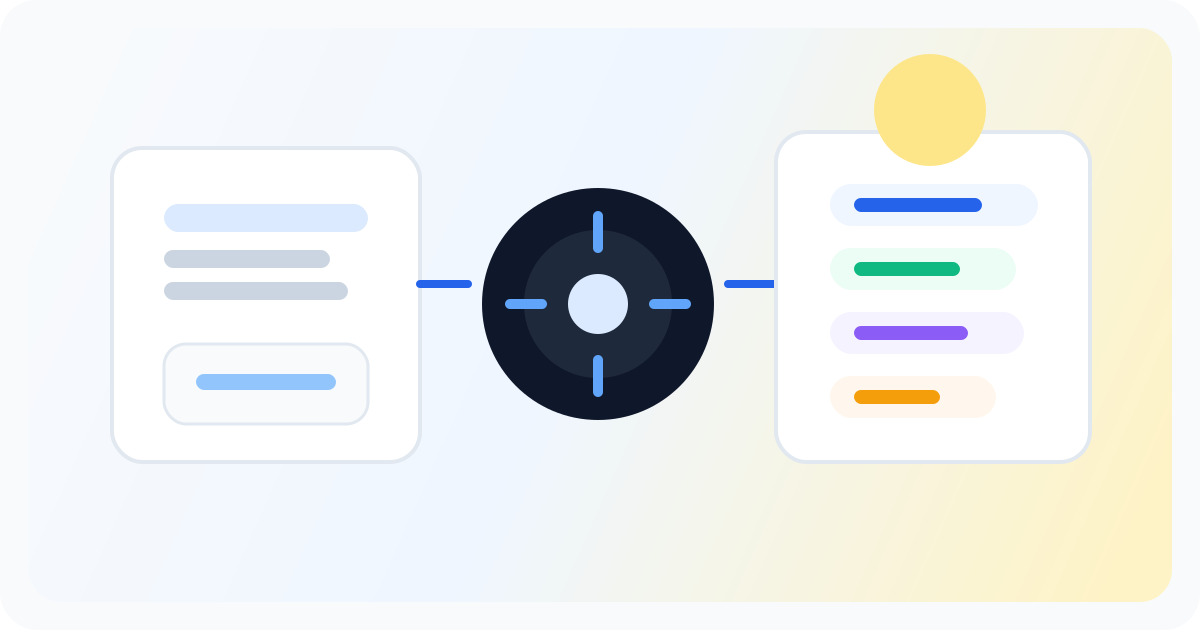
Editorial illustration showing a newsletter distribution strategy workflow across channels.

The short version

You just shipped a newsletter. The hard part is done. But if you're not pulling LinkedIn post ideas from that same content, you're leaving reach on the table. The gap between finishing an issue and posting to LinkedIn is usually just friction. You wrote the thing. You know the best lines. You're just not sure how to turn a 1,000-word essay into a post that works on a different platform. Most creators either skip LinkedIn entirely or spend extra time forcing their newsletter into a post shape. Neither is necessary.

  • Your newsletter already contains the raw material for multiple LinkedIn posts—you just need a workflow to extract them
  • The key is treating your issue as a source document, not a template you're copying
  • A voice-trained draft keeps your LinkedIn presence consistent with your newsletter tone

Your newsletter is a content engine. Most writers finish an issue and move on instead of extracting the LinkedIn posts hiding inside it.

How to pull LinkedIn post ideas from any newsletter issue

The process starts after you've written and sent your newsletter. Open your draft, scan for the moments that hit hardest—usually a strong opinion, a surprising data point, a personal lesson, or a clear takeaway. Those are your LinkedIn angles. From there, you can generate post drafts that match the way you actually write. If you've trained a voice profile on your past LinkedIn posts or newsletters, the generated drafts land closer to your real voice than a generic AI output would. That means less editing and a higher chance the post sounds like you. In Letterflow, you paste in your newsletter issue, extract the lines and themes that translate, and generate LinkedIn post drafts directly from that source material. You edit the drafts, publish them, or schedule them for the right window. The newsletter becomes the input. LinkedIn becomes the output channel. No second writing session required.

Stop writing social posts from scratch

Letterflow turns one newsletter into a week of platform-ready content so your promotion starts with the writing you already trust.

Start free trial

When this workflow works—and when it doesn't

  • Best fit: Newsletter writers who publish weekly or biweekly and want LinkedIn promotion without a separate content creation sprint
  • Best fit: Founder-operators building an audience around their newsletter voice who want consistent LinkedIn presence without diluting their tone
  • Weaker fit: Creators who haven't settled their newsletter voice yet—the source material needs to be strong for the repurposing to land
  • Weaker fit: LinkedIn-first creators who don't write newsletters yet—starting from scratch is a different workflow than repurposing existing content

Bottom line

If you're already writing a newsletter, you have more LinkedIn post ideas than you think. The work is in extracting them efficiently and publishing them without starting from a blank composer. Letterflow fits when your newsletter is the source and LinkedIn is the destination. If that matches your current workflow, the repurposing step becomes a natural extension instead of extra work.

L

Letterflow Editorial Team

Newsletter growth and workflow research

The Letterflow editorial team researches newsletter workflows, creator operations, and repurposing systems so every guide stays practical.

Frequently asked questions

Common questions

Can I use a newsletter I already sent, or does it need to be a draft?

Either works. Paste the issue text into Letterflow and generate posts from the content regardless of send status.

How does Letterflow keep my LinkedIn posts from sounding generic?

Training a voice profile on your past posts and newsletters gives the generated drafts your actual tone. You'll still edit, but the starting point is closer to your voice than a blank prompt would be.

What's the difference between this and using a social scheduler?

Social schedulers queue posts you've already written. This workflow generates the posts from your newsletter content, then sends them to your scheduler or publishes directly. The input is the newsletter. The output is LinkedIn-ready copy.

Does this work if I don't have a large newsletter list?

Yes. The repurposing workflow is based on the content quality, not the subscriber count. Strong newsletter content translates to LinkedIn regardless of audience size.