The Newsletter Repurposing Workflow That Generates A Week Of Social Content
A practical guide to turning one newsletter issue into seven days of LinkedIn and X promotion using a defined repurposing workflow.
Letterflow Editorial Team
April 29, 2026 · 4 min read
The short version
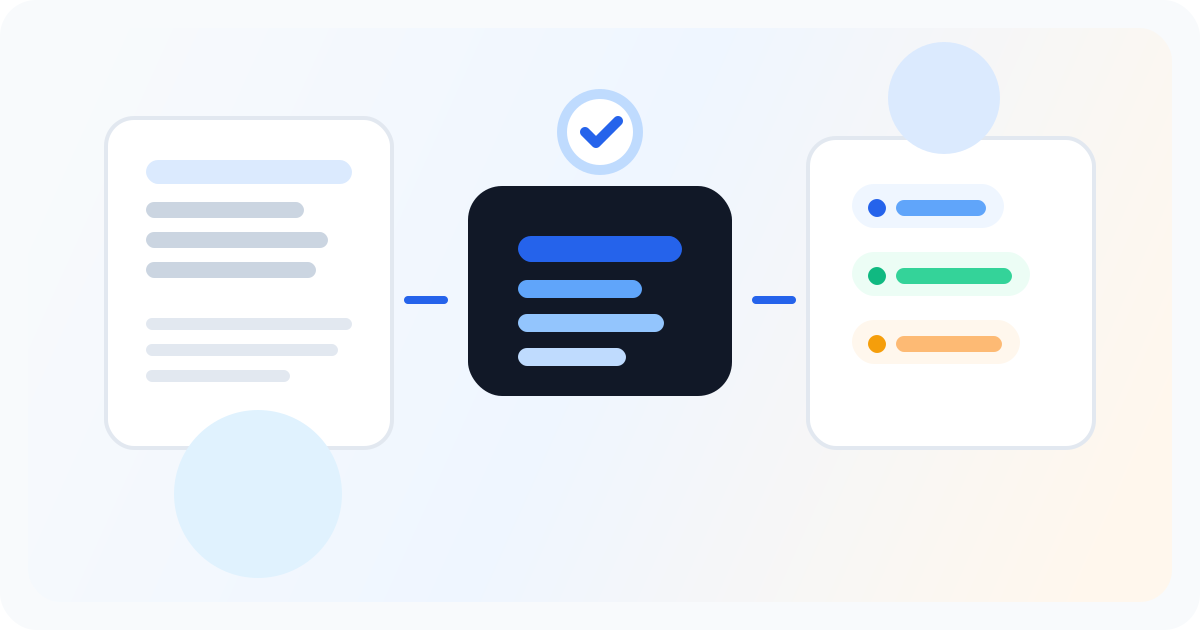
Most newsletter writers promote once and move on. The repurposing workflow takes the issue you already wrote and extracts LinkedIn posts, X threads, subject line alternatives, and quote snippets—then queues them for the days after send. You still edit. You still approve. But you stop recreating content from nothing every time you want to promote.
- Generate LinkedIn posts, X posts, subject lines, and quote snippets from one newsletter issue
- Train a voice profile from your past posts so first drafts match how you actually write
- Edit, publish, and schedule the promotion queue without switching between tools
You already wrote the newsletter. The repurposing workflow turns that one issue into a week of consistent social promotion—no blank prompts, no starting from scratch.
What the workflow doesn't do
- It doesn't publish without your edit. First drafts need your eyes before they go live.
- It doesn't replace a queue-first scheduler if you want to manually assemble a complex social calendar across multiple sources.
- It doesn't generate a full editorial calendar from scratch—you start from the newsletter, not a topic list.
- It doesn't guarantee virality or engagement. The voice match improves authenticity, but the performance still depends on your content.
Bottom line
If you write a newsletter and struggle to promote it consistently, the repurposing workflow solves the right problem: it removes the friction of starting from scratch every time you want to post. You wrote the newsletter. The workflow turns that work into a week of social promotion. If you prefer to queue everything manually or already have a social-first workflow, a general scheduler like Buffer or Hypefury might fit better. But for newsletter-first creators who want to promote what they already wrote, this workflow does the job without the blank-page paralysis.