Strategy

Social Schedulers Are Built for Queues. Newsletter Writers Need Something Different.

Most social schedulers start with a blank post and let you queue it. If your real work is the newsletter, that flow breaks. Here's what newsletter-first promotion actually looks like.

L

Letterflow Editorial Team

May 18, 2026 · 4 min read
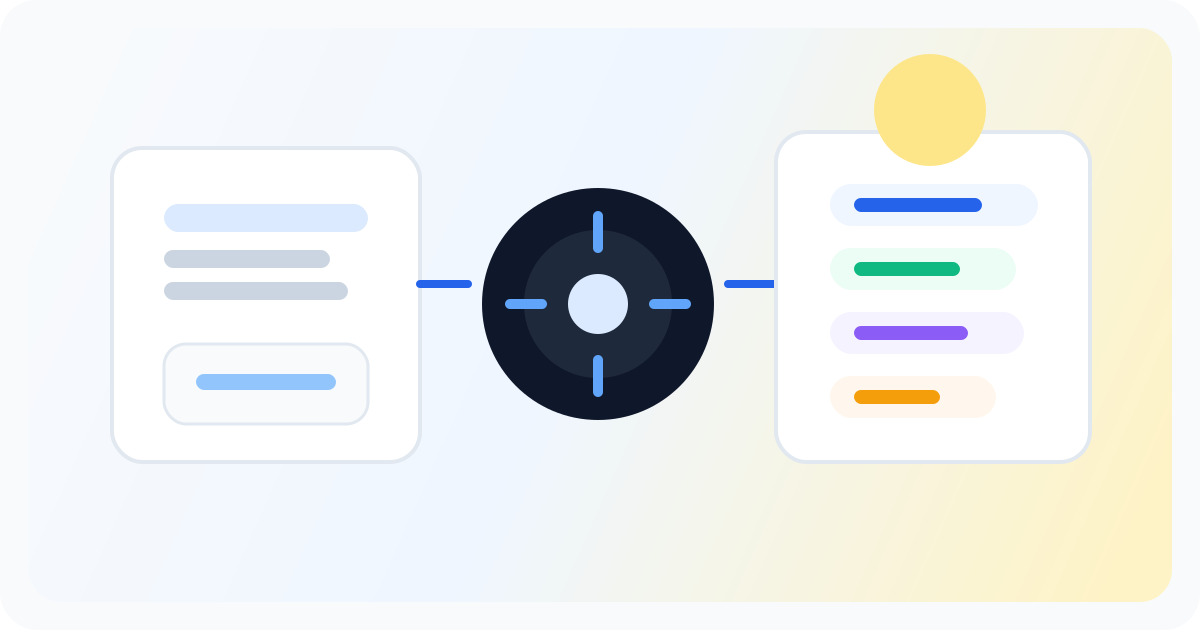
Editorial illustration showing a newsletter distribution strategy workflow across channels.

The short version

Most social schedulers are queue-first tools. They assume you're building posts in isolation or following a content calendar. That works fine if you're a brand manager planning topics weeks in advance. It falls apart when your publishing rhythm is driven by the newsletter itself. You write the issue, send it to your list, then have to reverse-engineer social posts from it. That's not repurposing—that's reconstruction, and it's exhausting. Letterflow starts from the newsletter text you already wrote. You paste in the issue, select what you want to generate, and the system produces first drafts of LinkedIn posts, X threads, subject line variations, and pull quotes. You can train a voice profile from your past posts so the drafts match your tone. Then you edit, publish, and schedule without leaving the workspace. The difference is the starting point: your real content, not a blank compose box.

  • Schedulers queue posts. Newsletter writers need to repurpose the issue they just sent.
  • Starting from a blank compose box wastes the work already in your newsletter.
  • Letterflow generates LinkedIn posts, X posts, subject lines, and quote snippets directly from your newsletter text.

The scheduler queues the post. The newsletter wrote the content. One of those is your actual work.

The Practical Difference Between Queue-First and Newsletter-First

With a social scheduler, the workflow looks like this: you open the tool, start from a blank compose box, write a post, queue it for later. Repeat for each platform. If you're promoting a newsletter, you're doing this reconstruction work after every send. You already wrote the content. Now you're rebuilding it piece by piece for a different format, often losing the best parts in translation. Letterflow reverses that. You paste in the newsletter issue. The system generates multiple outputs at once: LinkedIn posts, X posts, subject line options, and pull quotes. You can train a voice profile from your existing posts so the drafts sound like you rather than generic AI output. Then you edit what needs editing, publish directly or schedule, and sync analytics back to your workspace. The promotion work is connected to the actual newsletter instead of happening in a separate tool with no memory of where it came from. This fits best when you publish weekly or more, when you're the one writing the newsletter and handling promotion, and when you'd rather not rebuild social posts from scratch every time you hit send.

Stop writing social posts from scratch

Letterflow turns one newsletter into a week of platform-ready content so your promotion starts with the writing you already trust.

Start free trial

Where Generic Schedulers Still Win

  • Multi-platform visual calendars with team collaboration features
  • Scheduling posts that aren't tied to newsletter content
  • Broader analytics across social accounts that aren't newsletter-driven

Bottom line

If your publishing cadence starts with a newsletter and you want social promotion that doesn't require rebuilding from scratch every time, newsletter-first repurposing is the right fit. Generic schedulers handle queues well, but they assume you wrote the social posts first. When the newsletter is the source material, that workflow is backwards. Letterflow connects the actual work to the promotion instead of asking you to reconstruct it in a vacuum.

L

Letterflow Editorial Team

Newsletter growth and workflow research

The Letterflow editorial team researches newsletter workflows, creator operations, and repurposing systems so every guide stays practical.

Frequently asked questions

Common questions

Can Letterflow replace my existing social scheduler?

For newsletter-first promotion workflows, yes. If you need multi-platform visual calendars, team collaboration, or scheduling social posts that aren't newsletter-driven, a dedicated scheduler still has a role. The question is where your publishing starts.

Which platforms does Letterflow support?

LinkedIn and X. You can generate, edit, publish, and schedule posts for both platforms directly from your newsletter text without switching tools.

What does the voice profile do?

You train it once from your past posts and newsletters. After that, generated drafts match your established tone instead of sounding generic. It's not a clone of your writing, but it's closer than starting from scratch.

Do I have to publish immediately after generating drafts?

No. You can review and edit before publishing, or schedule posts for times that work for your audience. The workflow supports immediate publishing or deliberate sequencing.