How-to

How to Schedule Newsletter-Derived Posts for Consistent Publishing

If you already wrote the newsletter, the job is not to invent more content. The job is to turn that finished issue into a steady stream of LinkedIn and X posts that can actually be scheduled. This draft explains a newsletter-first workflow for creators who want consistent publishing without treating social as a second writing job.

L

Letterflow Editorial Team

August 12, 2026 · 4 min read
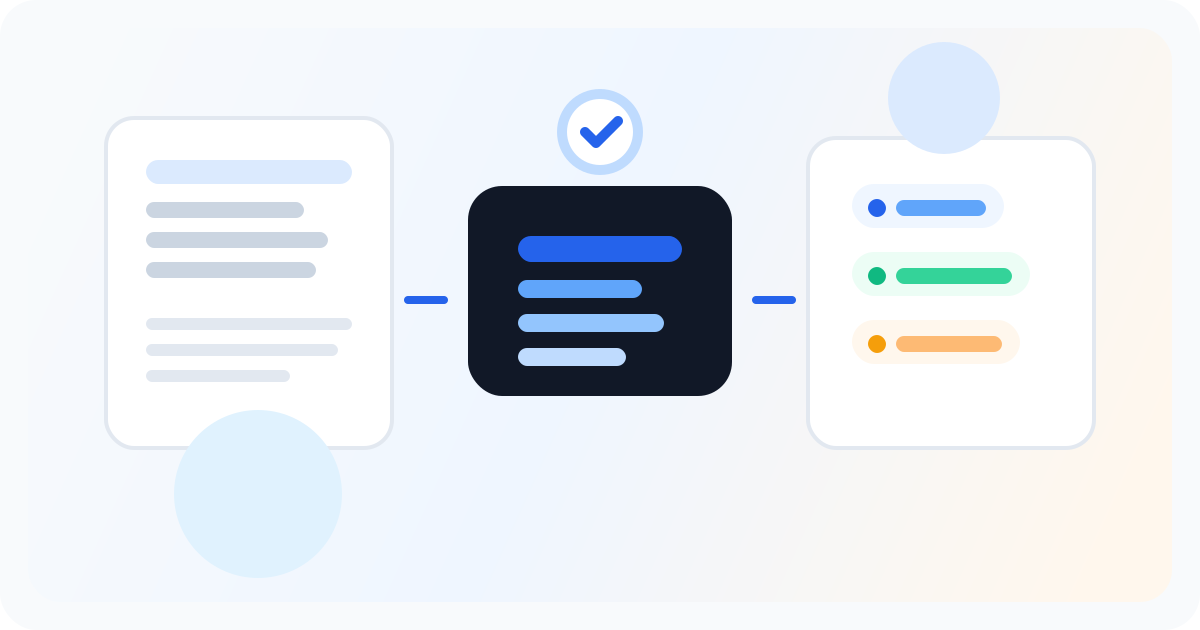
Editorial illustration showing a newsletter being turned into a practical repurposing workflow.

The short version

The cleanest way to schedule newsletter-derived posts is to stop treating social as separate content. If you already wrote the newsletter, that issue should become the source for your LinkedIn and X promotion. That is the workflow Letterflow is built for: start with the real newsletter, generate post drafts, make the edits you actually want, and then schedule them in the same place.

  • Start from the published issue, not a blank prompt or empty calendar.
  • Use the newsletter as the source for LinkedIn posts, X posts, subject lines, and quote snippets.
  • Schedule after editing so the queue reflects the actual story you already wrote.

A finished newsletter is the source material. The schedule comes after, not before.

The practical workflow for consistent newsletter-derived publishing

Consistency usually breaks when creators try to do promotion after they have already spent their energy on the newsletter itself. By the time the issue is done, most people do not want to write three LinkedIn posts, five X posts, and a handful of snippets from scratch. A newsletter-first workflow fixes that by treating the issue as the raw material. You are not asking, “What should I post today?” You are asking, “What parts of this issue deserve distribution, and how do I schedule them without rewriting everything?” That is the practical advantage of starting inside Letterflow. You can generate drafts from the finished newsletter, then move straight into editing, regenerating, publishing, and scheduling. The point is not to eliminate judgment. The point is to remove the blank page. If a post needs a sharper hook, a shorter opener, or a different angle for LinkedIn versus X, you adjust it there. If a draft misses the tone, you regenerate it. Then you schedule the set and keep moving. For a solo creator, that is often the difference between consistent promotion and “I’ll do it later.” The same setup also helps you avoid the most common scheduling mistake: filling a calendar with posts that were never grounded in the actual newsletter. Queue-first tools can be useful, but they usually assume the content already exists. That is fine if your process is social-first. It is a weak fit if your real work begins with writing the issue. In that case, scheduling should be the last step in the workflow, not the first decision you make every week.

Stop writing social posts from scratch

Letterflow turns one newsletter into a week of platform-ready content so your promotion starts with the writing you already trust.

Start free trial

Tradeoffs: when this workflow is strong, and when it is the wrong fit

  • Letterflow is a strong fit when you already publish a newsletter and want the promotion work to come out of that issue instead of a separate content calendar.
  • It is especially useful if you want LinkedIn and X drafts that can be edited, regenerated, published, and scheduled without moving between a writing tool and a scheduler.
  • Training a voice profile from past posts and newsletters matters when your audience expects the repurposed posts to sound like you, not like a template.
  • It is not the best answer if your main job is broad social scheduling across many content sources, or if you need a queue-first tool that starts from social planning rather than newsletter repurposing.

Bottom line

The honest recommendation is simple: use Letterflow when the newsletter is the source and social is the distribution layer. If you already wrote the issue and your next task is to turn it into consistent LinkedIn and X publishing, the workflow lines up well. You get repurposed drafts, editing control, voice matching, and scheduling in one place, which is exactly what a newsletter-first creator needs. If your process starts somewhere else, the fit weakens. A LinkedIn-heavy tool or a broader social scheduler may make more sense if newsletter repurposing is not the center of the job. Letterflow is worth it when you want to promote the issue you already created, stay close to the original writing, and keep the schedule moving without rebuilding content from scratch every week.

L

Letterflow Editorial Team

Newsletter growth and workflow research

The Letterflow editorial team researches newsletter workflows, creator operations, and repurposing systems so every guide stays practical.

Frequently asked questions

Common questions

What does newsletter-derived scheduling actually mean?

It means the newsletter comes first. You publish or finish the issue, then turn that exact material into LinkedIn and X drafts, then edit and schedule those posts. The schedule is built from the newsletter, not from a separate social brainstorm.

Can I use Letterflow if I only need a few social posts each week?

Yes, if those posts are still coming from a newsletter you already wrote. Even a small set of posts can benefit from a workflow that starts with the real issue, especially if you want the drafts to sound consistent and be easy to publish on time.

Does Letterflow replace editing?

No. It reduces the amount of writing you have to do, but it does not remove the need to review, tighten, or adjust posts before they go out. That is part of the workflow, not a flaw in it.

When should I choose a different tool instead?

If your work is mostly social-first, or if you need a broader scheduling system that is not tied to newsletter content, a queue-first social tool may be a better fit. Letterflow makes the most sense when the newsletter is the starting point and the promotion schedule comes after.